Things Living in Your Mac
Eight apps that treat your computer less like a tool and more like a tiny, slightly deranged ecosystem — something is always napping, spinning, or demanding to be fed.
Save to your gridtabs
Pin this curated list to your new tab and open any site in one click.
Grid-style bookmark manager for your new tab
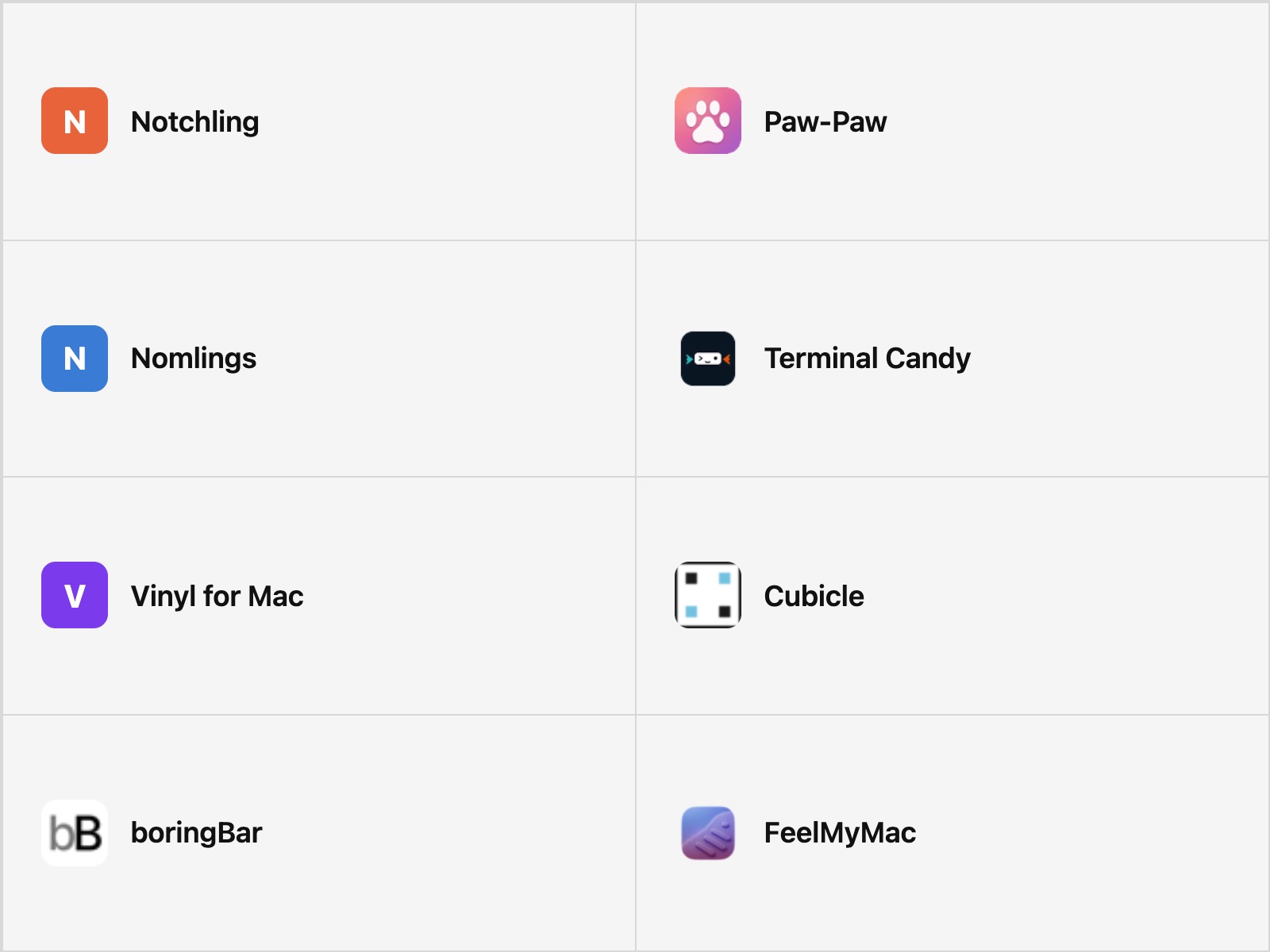
Notchling
It lives in your MacBook's notch — the one piece of hardware Apple gave you for free and never explained what to do with. Notchling blinks at your cursor, naps when you're idle, and opens its mouth to "eat" files you drag past it. The notch finally has a tenant.
Paw-Paw
A pixel-sized creature that sets up camp in the corner of your screen and reacts every time you type or click, like it's been watching you work and has opinions about it. Level it up and it molts into a sheep, a frog, a fox.
Nomlings
The most honest pet in this collection: it eats your Claude Code session tokens and gets healthier the more AI compute you burn through. Your coding habit, visualized as a creature that is either thriving or starving depending on how much you've spent today.
Terminal Candy
Your terminal has had the same black box and green text since forever. Terminal Candy lets you feed it any image and watch it wear that photo as a skin — no restart, no config file, just a window that used to be boring and now has a face.
Vinyl for Mac
A photorealistic turntable that sits on your desktop and actually spins — tonearm tracking, album art and all — in real time with whatever's playing on Spotify or Apple Music. It does nothing useful. It just needs to look alive while the music's on.
Cubicle
Your AI coding agents get their own pixel-art office inside your Mac — desks, chairs, a meeting room — so you can glance over and see who's grinding, who's stuck, and who's apparently in a meeting. It's agent monitoring reimagined as a tiny office full of tiny people who never leave.
boringBar
A Windows taskbar, smuggled onto macOS and raised as a Dock replacement — grouping windows by desktop, previewing them on hover, pretending the whole time it belongs here. It's the one houseguest in this collection that's trying to pass as furniture.
FeelMyMac
Your trackpad has always been a flat, numb piece of glass. FeelMyMac uses the Haptic Engine to make it lie to your fingers — felt, wood grain, pebbled sand — so moving your cursor starts to feel like touching something that isn't there.
Gridtabs at a glance
Grid-style bookmark manager for your new tab
Stop burying links in folders. Keep your picks visible, organized, and ready the moment a new tab opens.
Visible: all links on one clean grid
Instant: open in a single click
Yours: customize layout, themes, and flow
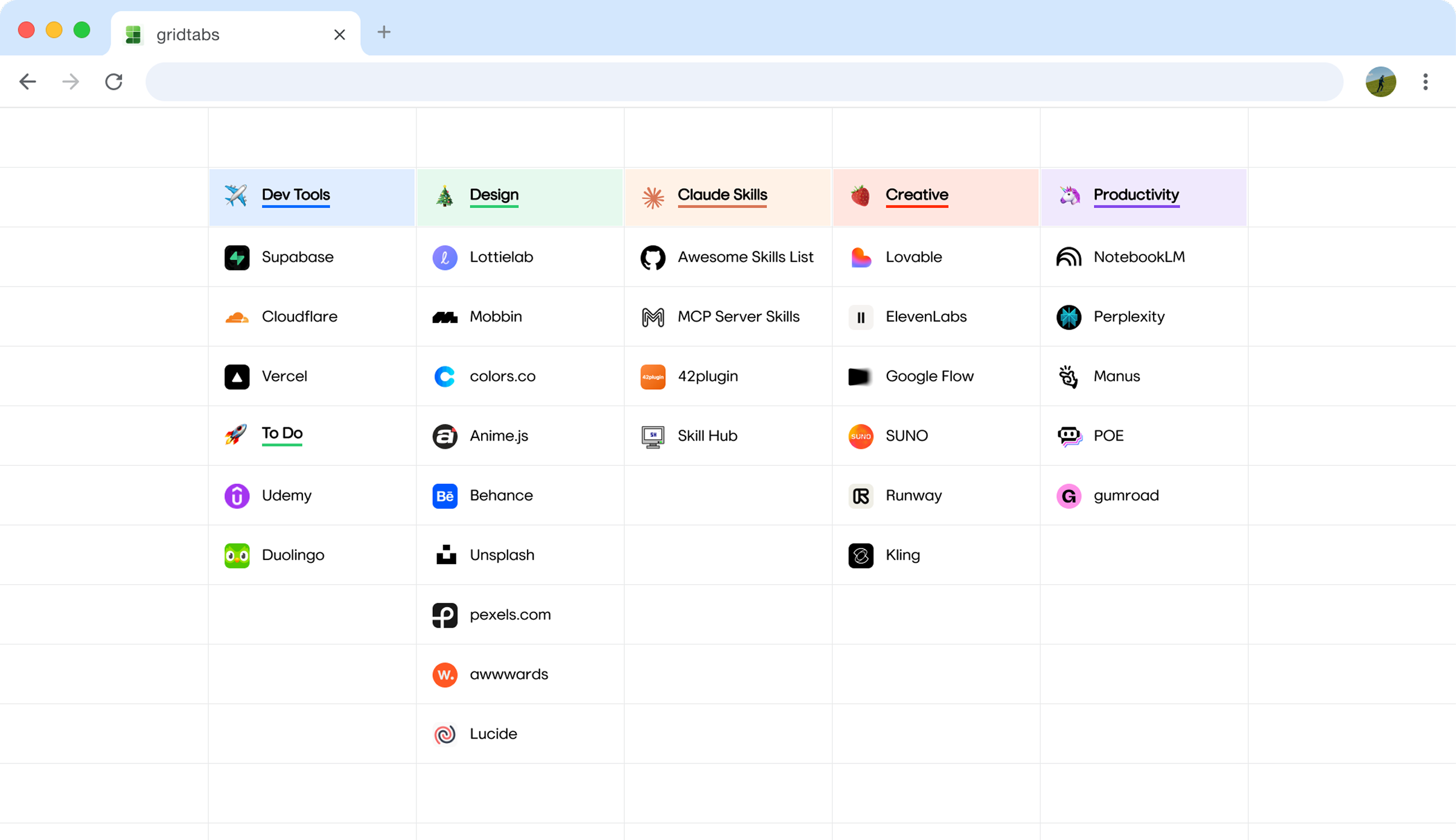
Spreadsheet-like layout for daily browsing.
Add to Chrome