BLOG
Notes from gridtabs.
Guides, ideas, and updates for your everyday web.
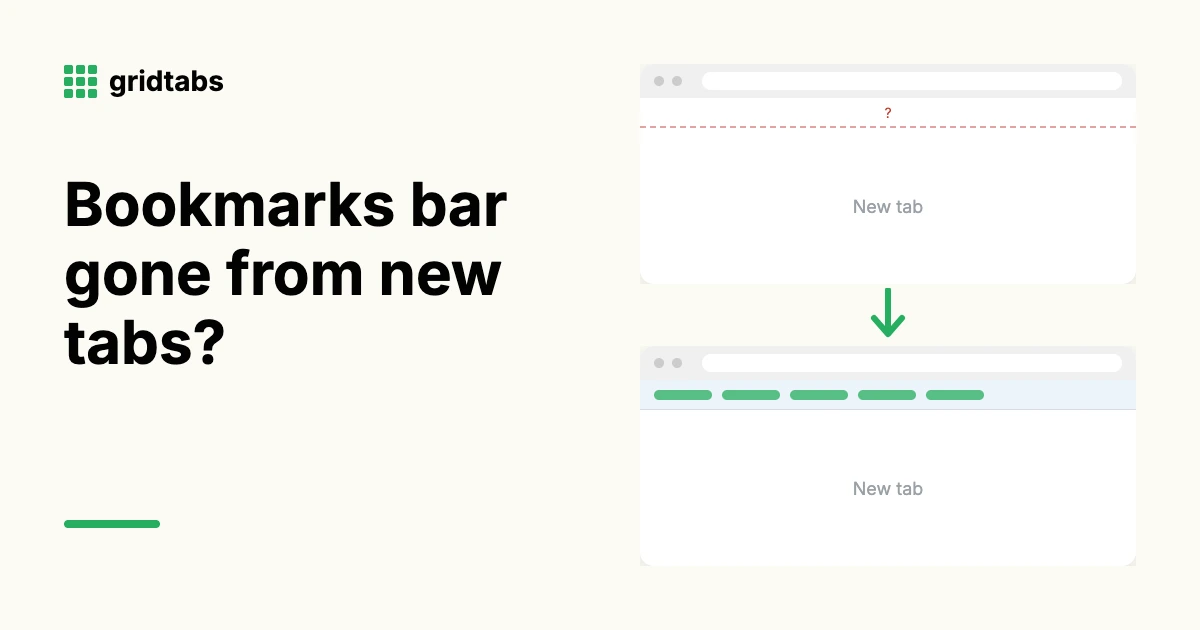
Chrome bookmarks bar missing on the new tab page? How to bring it back (or hide it)
Since Chrome 151, Chrome can automatically hide a bookmarks bar you haven't used recently, so it may vanish from the new tab page. Your bookmarks are not deleted. You can bring the bar back, show it only on new tabs, or hide it everywhere from Settings > Appearance > Bookmarks bar.
 6 min read