The best online bookmark manager for most people is Raindrop.io: the free plan has unlimited bookmarks and syncs across every browser, phone and computer you use. If you want your own archived copy of every page, or to host it yourself, pick Linkwarden. If you only ever use Chrome, its built-in bookmarks with sync may be all you need. And if what you really want is the few dozen sites you open every day in front of you on every new tab, you want a new tab grid like gridtabs, not a bookmark library.
| If you... | Pick |
|---|---|
| Save links across several browsers and a phone | Raindrop.io |
| Want a permanent copy of each page, or to self-host | Linkwarden |
| Use Chrome everywhere and save a few hundred links | Chrome bookmarks with sync |
| Save whole sets of tabs per project, or share them with a team | Toby |
| Open the same sites every day and want them on every new tab | gridtabs |
Is an online bookmark manager the same as a new tab page?
No. An online bookmark manager is a library: you save links into folders or tags, it keeps them on a server, and you search for them when you need them, on any device. A new tab page extension is a launcher: it puts a fixed set of sites in front of you every time you open a tab, so you click instead of searching.
Most people who say their bookmarks are a mess need one of the two, not both. If you're losing links you saved months ago, you need a library. If you're typing the same ten addresses every morning, you need a launcher.
What should you check before choosing one?
Five things decide whether a bookmark manager fits:
- Where it works. A browser extension for each browser you use, plus a web app or phone app if you save from your phone.
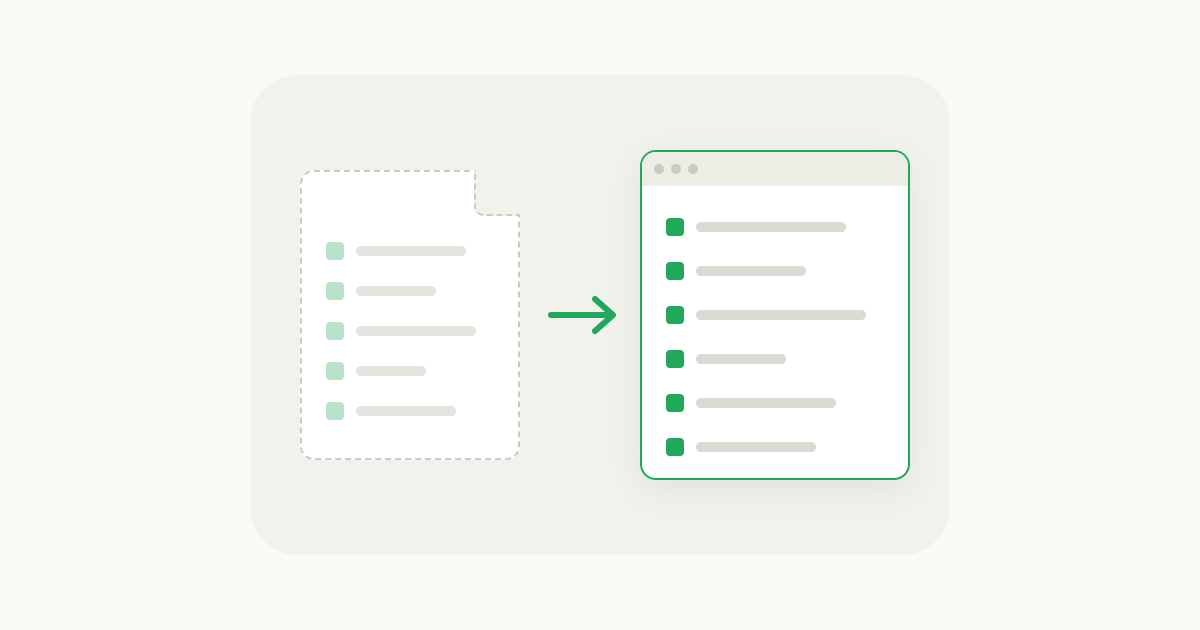
- Getting your links in. Check that it imports the bookmarks file your browser exports, and the export of whatever tool you're leaving.
- Folders or tags. Folders suit people who file things once. Tags suit people who search later.
- What the free plan limits. Number of bookmarks, number of devices, or features like full-text search.
- Whether it keeps a copy. Pages disappear. Some managers save a copy so the link still works in five years.
The online bookmark managers worth using
Raindrop.io: one library for every browser and device
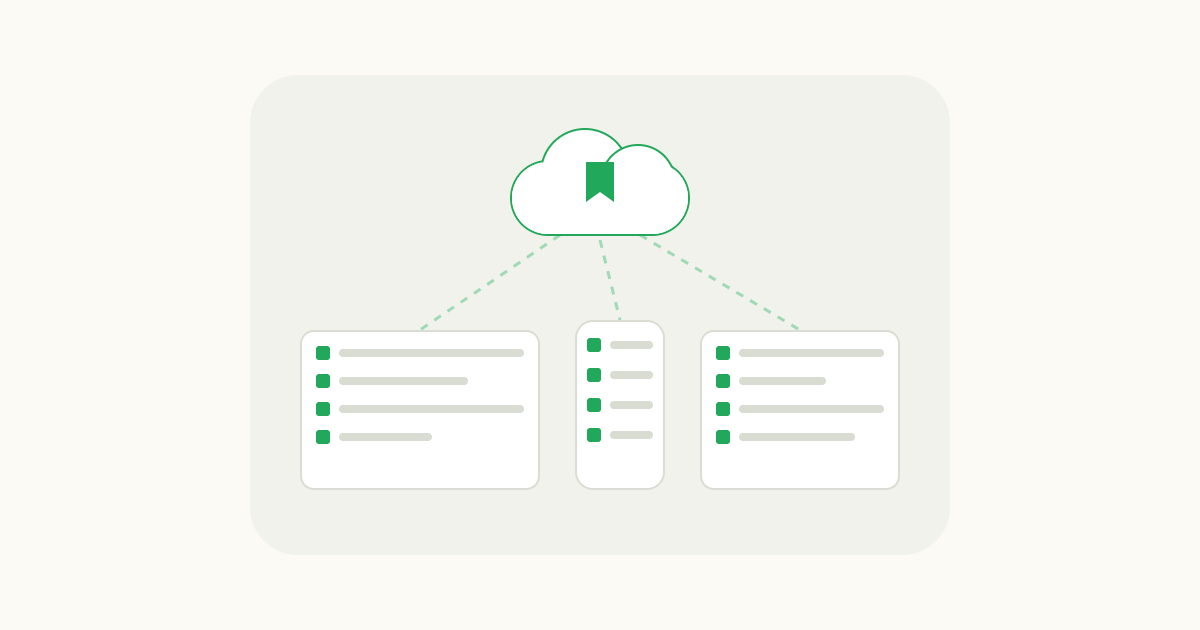
Raindrop.io saves links into collections, which work like folders, and tags. It has extensions for Chrome, Safari, Edge and Firefox, a web app, a desktop app, and iOS and Android apps, and they all sync with each other. The free plan has unlimited bookmarks, collections and devices, and lets you share collections with other people.
Pro is a paid plan, billed monthly or yearly, that adds full-text search inside saved pages, permanent copies of pages, more upload space, cloud backups and tools for finding broken links and duplicates. You'd only need it if you save a lot of articles and want to search their contents.
It imports browser bookmark files and exports from Pocket, Toby, Pinboard, Diigo and several other tools. If you used Pocket, which Mozilla shut down in July 2025, this is the closest home for that habit.
Best for: anyone whose links need to follow them across browsers and a phone.
Linkwarden: keeps a copy of every page
Linkwarden is an open source bookmark manager that saves a copy of each page alongside the link, including the full HTML, so a link still opens after the site changes or goes offline. It organizes links into collections you can share, with tags, full-text search and highlights. There are extensions for Chrome, Firefox and Safari, and apps for iOS and Android.
You can host it yourself for free under its AGPLv3 license, or use Linkwarden Cloud at $3 a month per user billed yearly, with a 14-day free trial and up to 30,000 links (November 2026).
Best for: researchers, writers and anyone who needs saved pages to stay readable, plus people who run their own server.
Chrome bookmarks with sync: already installed
If you use Chrome on every computer and phone, you already have an online bookmark manager. Sign in to Chrome with your Google Account and turn on sync, and your bookmarks follow you to every device where you're signed in with the same account. The bookmark manager lives at chrome://bookmarks.
It stops being enough when you use a second browser at work, when you have a few thousand bookmarks and need tags or search inside pages, or when you want to share a folder.
Best for: Chrome-only users with a modest number of bookmarks.
Toby: saved tab sets for projects and teams
Toby is a tab manager more than a bookmark manager. It turns your Chrome new tab into a board of collections of saved tabs, grouped into spaces, and you can save a whole window as a session in one click and reopen it later. Collections sync to every computer you sign in on.
The free Starter plan holds up to 60 saved tabs. Productivity is $6 a month, or $4.50 a month billed yearly; Team is $10 a month, or $8 billed yearly (November 2026).
Best for: people who switch between projects and want each project's tabs back in one click, and teams sharing collections.
gridtabs: your everyday sites on every new tab
I built gridtabs, so take this with that in mind. It isn't a full online bookmark library and doesn't try to be. It's for the other problem: the sites you open every day.
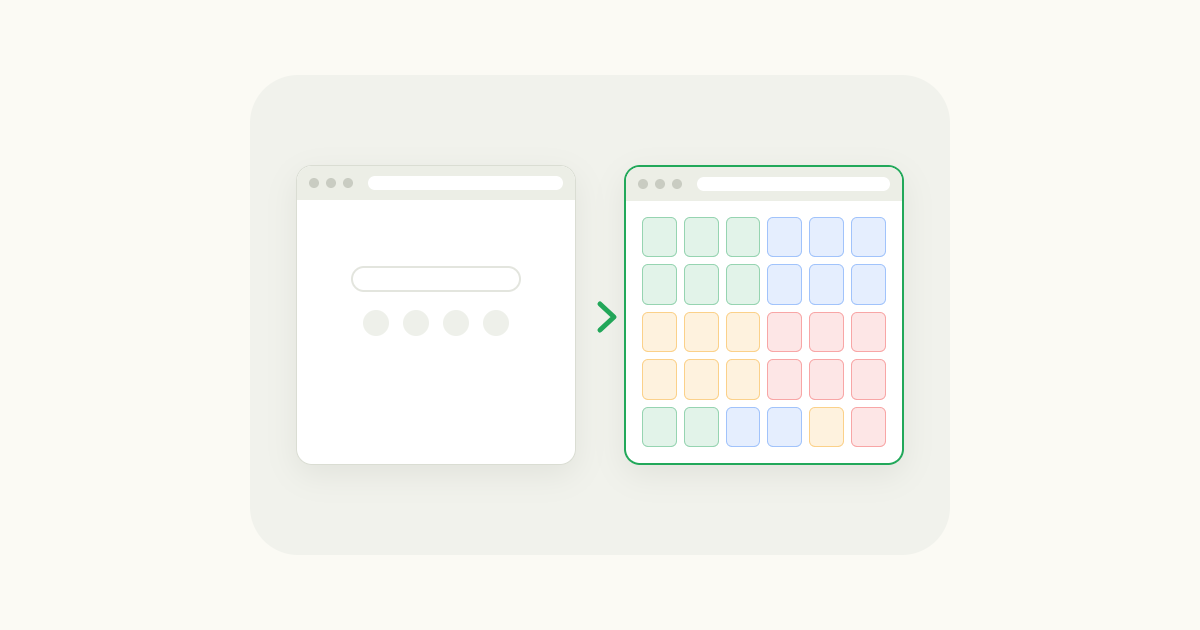
gridtabs turns the new tab page into a grid of small tiles, dozens to over a hundred on one screen. You save the page you're on with one click on the toolbar button, or drag links and existing Chrome bookmarks into the grid. You can color tiles, add notes and keep separate sheets for work and home. Sign in with Google if you want the same grid on another computer. It works in Chrome and Edge.
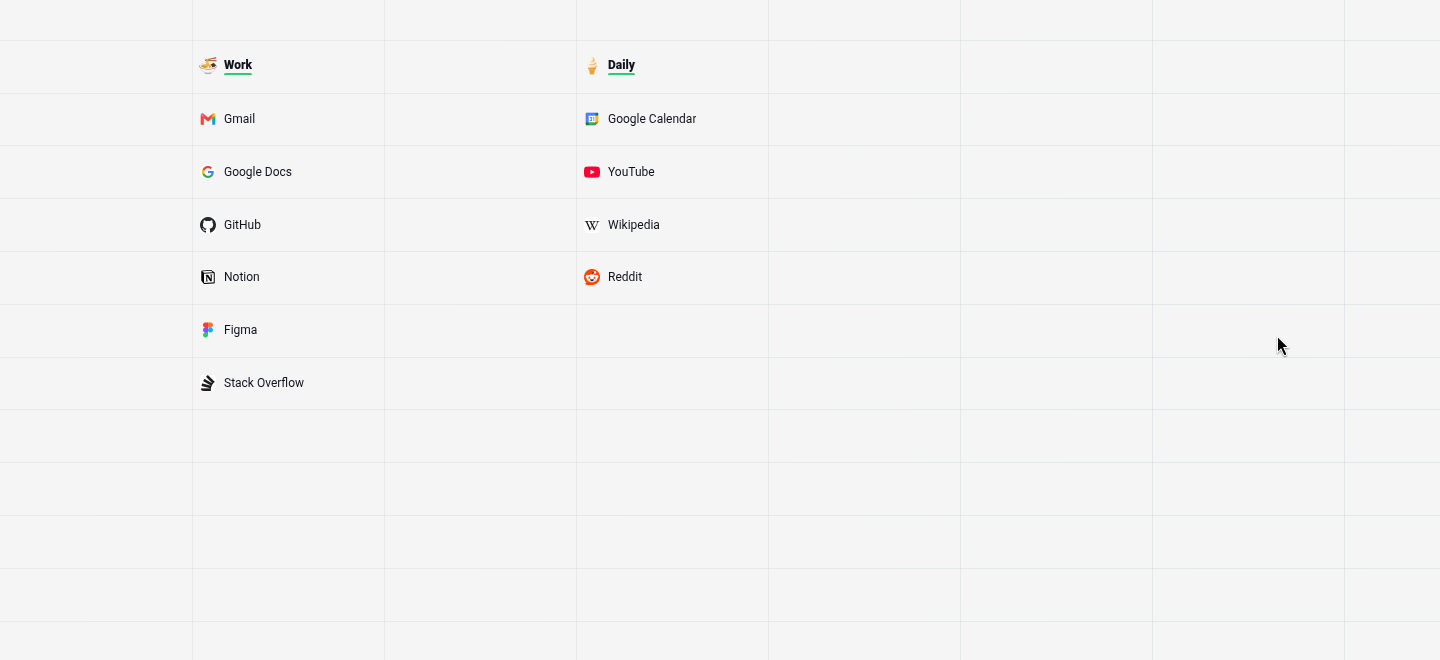
The free plan holds 30 tiles; Pro is $3.99 a month or $39.99 a year and only raises that limit.
Best for: people who open the same few dozen sites daily and want them one click away. It also works well next to Raindrop.io or Linkwarden: the library holds everything, the grid holds what you use. For other ways to set up the new tab, see how to customize the Chrome new tab page.
Which one should you pick?
- Your links live in more than one browser, or on your phone: Raindrop.io. The free plan covers most people.
- You need saved pages to still open years from now, or you self-host: Linkwarden.
- You only use Chrome and have a few hundred bookmarks: Chrome's own bookmarks with sync. Try it before paying for anything.
- You work in projects and reopen the same group of tabs: Toby.
- You open the same sites every day and are tired of typing them: gridtabs on the new tab, with any of the above for everything else.
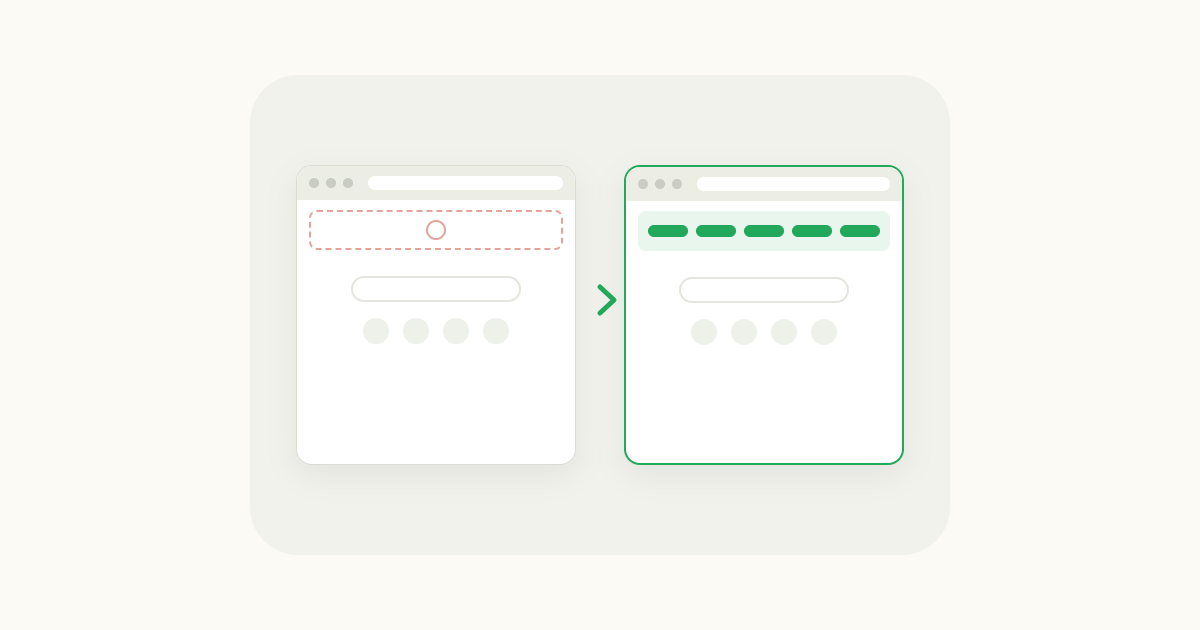
If your Chrome bookmarks recently disappeared, deal with that first: see how to recover lost Chrome bookmarks. If it's only the bookmarks bar that vanished from the new tab page, here's how to bring it back.
FAQ
What's the best online bookmark manager? For most people, Raindrop.io. Its free plan has unlimited bookmarks and devices, it has extensions for Chrome, Safari, Edge and Firefox plus phone apps, and it imports your existing bookmarks. Pick Linkwarden instead if you want a saved copy of every page or want to host it yourself.
Is Chrome's bookmark manager enough if I use more than one device? Yes, if every device runs Chrome. Sign in with the same Google Account and turn on sync, and your bookmarks appear everywhere. It falls short if you also use Safari or Firefox, or need tags, shared folders or search inside saved pages.
What's the difference between a bookmark manager and a new tab extension? A bookmark manager stores many links and helps you find them later by folder, tag or search. A new tab extension shows a fixed set of sites every time you open a tab, so the ones you use daily are a click away. Many people use one of each.